
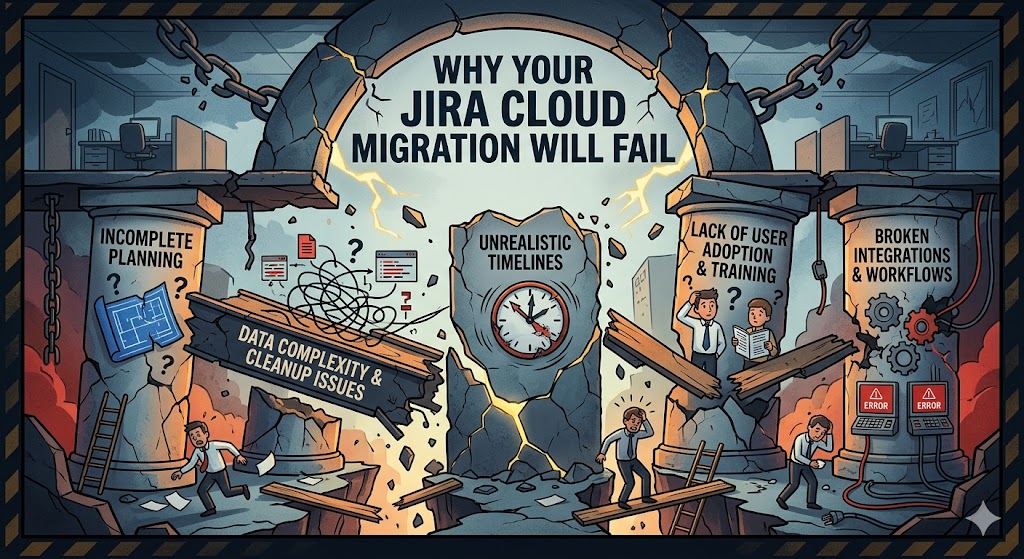
For many organizations, migrating from Jira Data Center or Server to Jira Cloud feels like a purely technical hurdle. IT teams spend months auditing apps, mapping custom fields, and cleaning up stale data. But as Jira expert Ravi Sagar points out in his latest video, you can have a perfect technical execution and still face a catastrophic failure if you ignore the most important part of the ecosystem: Your Users.
If you are planning a migration, or are currently in the thick of one, here is the breakdown of why user buy-in is the ultimate "make or break" factor and how to ensure your team doesn't just migrate, but actually thrives in the Cloud.
The Invisible Wall: Why Technical Success Isn't Enough
Most migration post-mortems focus on data loss or downtime. However, the silent killer of Jira instances is User Resistance. Jira Cloud isn't just "Jira on a different server." It features a different user interface, revamped navigation, and fundamentally different ways of handling project types (like Team-managed vs. Company-managed projects). When users log in on Monday morning to find their familiar workspace replaced by something they don't recognize, productivity doesn't just dip—it crashes. Without proper preparation, users will circumvent the system, create "shadow IT" solutions, and ultimately lose trust in the tools provided by the organization.
The Our Approach: Convincing Your Users
You must convince your users to want the migration. You aren't just moving data; you are upgrading their workflow. To do this successfully, your strategy should shift from "Announcement" to "Advocacy."
1. Highlight the "What’s In It For Me?" (WIIFM)
Users don't care about reduced server maintenance costs or infrastructure overhead. They care about their daily tasks. To get them on board, demonstrate the exclusive benefits of Jira Cloud:
- Automation: Show how the native, low-code automation engine can save them hours of manual status updates.
- Mobile Experience: Highlight the superior Jira mobile app that allows for on-the-go updates.
- Next-Gen Features: Showcase the flexibility of Team-managed projects, which give teams more autonomy without needing a Jira Admin for every small change.
2. Early Involvement and Feedback Loops
One of the biggest mistakes is keeping the migration a "secret" within the IT department until the final weekend. Ravi suggests bringing users into the process early.
- User Acceptance Testing (UAT): Don't just test if the data moved; test if the users can find their filters and dashboards.
- Feedback Channels: Create a dedicated Slack or Teams channel where users can ask questions during the transition phase. When users feel heard, they feel like participants rather than victims of change.
Training: Moving Beyond the Documentation
Standard "help" documentation is rarely enough for a transition this large. Effective migration requires a multi-tiered training approach:
- The "Champion" Model: Identify power users in different departments and train them first. These "Champions" act as the first line of support for their colleagues, speaking their specific departmental language.
- Short, Focused Videos: Instead of a three-hour seminar, provide two-minute "How-To" clips focusing on the most frequent changes (e.g., "Where did my search bar go?").
- Live Q&A Sessions: Host "Office Hours" where Ravi or your internal admins can troubleshoot real-world scenarios in real-time.
The Cost of Silence
If you fail to communicate the why and the how to your users, the migration will be viewed as a burden imposed by management. This leads to a lack of data integrity, as frustrated users stop updating tickets correctly.
As Ravi Sagar notes, the technical migration is the foundation, but user adoption is the structure you build upon it. Without the people, you just have an expensive, empty database.
Final Thoughts
Jira Cloud is the future of the Atlassian ecosystem. It offers unparalleled scalability and a suite of modern features that simply aren't available on-premise. However, the path to the Cloud is paved with human psychology.
Before you run your next migration assistant tool, ask yourself: Have I spent as much time talking to my team as I have spent talking to my database?
Remember-Your migration's success isn't measured by the "Green Tick" on the migration tool, but by the satisfaction of the people using it.