
For over twenty years at Sparxsys, we’ve been in the trenches with hundreds of organizations, helping them squeeze every ounce of productivity out of their Atlassian ecosystems. We’ve untangled labyrinthine Jira instances, architected custom workflows from scratch, and trained countless teams to bring order to their operational chaos. But despite all the digital transformation we’ve witnessed, one distinctly physical problem has persistently echoed across the teams we work with:
"How do I quickly open this specific Jira issue, board, or backlog on my phone without spending two minutes awkwardly searching for it?"
It sounds like a minor inconvenience, but in the heat of the moment, it’s a massive workflow killer. Whether you are standing in front of a physical wallboard during a morning daily standup, managing physical assets in a sprawling warehouse, or just trying to pull up a project's status while walking down the hall, getting to the right digital page is painful. Typing out complex Jira URLs or fumbling through nested filters on a mobile screen is a clunky, friction-heavy experience that breaks your focus.
We decided it was time to kill that friction. Enter Sparxsys QR Code for Jira—a seamless, instant bridge between your physical workspace and your digital Jira Cloud instance.
The Friction of the Physical-Digital Divide
Jira is undeniably powerful, but it is inherently a digital destination. When your actual work involves physical objects, spaces, or in-person collaborations, a disconnect forms.
Imagine a Quality Assurance engineer testing a physical hardware prototype. They find a defect, log it in Jira at their desk, and move on. Later, a developer walks up to that physical prototype. To understand what’s wrong, they have to ask around, find the ticket key, pull out their phone, open Jira, tap the search bar, carefully type out the alphanumeric key, and hope they selected the right project.
Or consider the daily standup. Your team gathers around a physical board or a digital monitor in a hybrid office. Someone needs to update a specific ticket on their phone. Instead of active participation, you get a solid minute of silence while they navigate through the Jira app’s menus to find the current active sprint board.
These micro-delays add up. They drain momentum and create an environment where team members dread doing on-the-spot digital updates.
Introducing Sparxsys QR Code for Jira
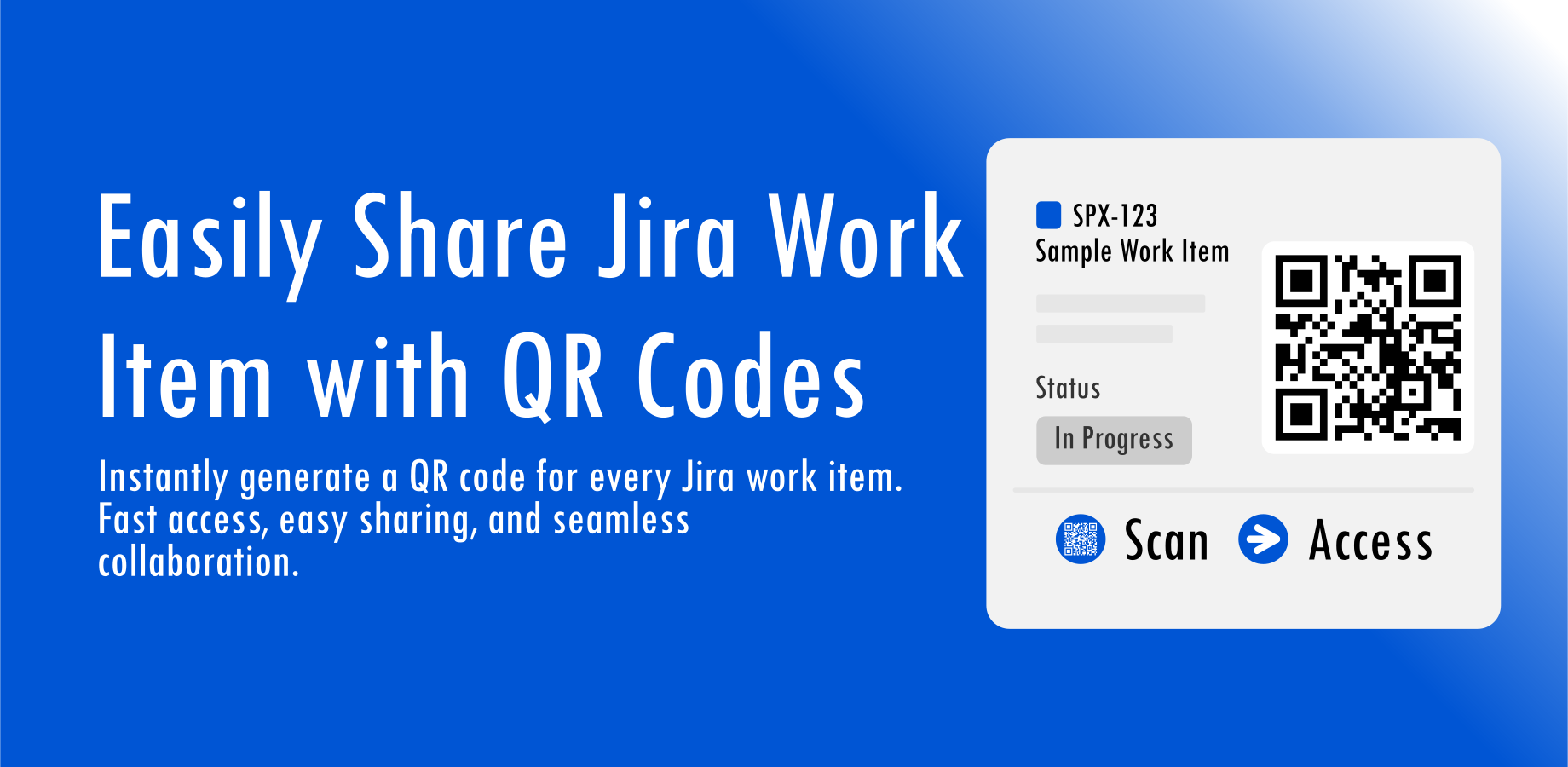
We built Sparxsys QR Code for Jira to solve this exact problem with elegant simplicity. The app generates an instant, scannable QR code for virtually any workspace view inside your Jira Cloud instance.
There is no specialized hardware or complex app download required for the end user. Anyone with a standard smartphone camera can simply scan the generated code and be instantly transported to the exact page, board, or issue they need. No typing. No searching. Just point, scan, and work.
How Teams Are Bridging the Gap
By turning complex URLs into easily printable and displayable visual codes, the app unlocks entirely new, frictionless workflows. Here is how you can deploy it to accelerate your team's everyday operations:
1. Supercharging Sprint Boards & Wallboards
Daily standups should be fast and focused. By generating a QR code for your Scrum or Kanban boards and displaying it on your physical office wallboards, you give everyone a one-second shortcut to the current sprint view. Team members can scan the code as they walk into the room, instantly syncing their personal devices with the team's progress without missing a beat.
2. Instant Backlog Access for Agile Planning
Agile planning doesn't just happen at a desk; it happens in hallways and meeting rooms. If you need to review a priority list with a stakeholder on the fly, a strategically placed QR code allows anyone to scan directly to a board's backlog and planning view. You can review and prioritize without needing to cast a screen or hunt for an email link.
3. Creating Context-Rich Project Hubs
Physical spaces often correlate with specific digital projects. With our app, you can print and paste project-specific QR codes on physical equipment, shared lab spaces, or project overview documents. When a team member walks into a lab or interacts with a piece of equipment, a quick scan grants them instant access to the digital Jira project space governing that hardware.
4. Frictionless Individual Issue Tracking
This is perhaps the most transformative use case for teams handling physical goods. You can easily print or display QR codes on physical inventory, hardware prototypes, IT assets, or QA testing units. When an item requires attention, scanning the code pulls up the active Jira ticket details immediately. It effectively turns every physical asset into a direct portal to its own Jira documentation.
Simple, Secure, and Fully Integrated
We didn’t just want to build a tool; we wanted to build a tool that felt native. Leveraging our 20+ years of Atlassian consultancy experience, we engineered Sparxsys QR Code for Jira to integrate seamlessly into your existing Jira Cloud interface.
It doesn't change how your team naturally operates—it just removes the roadblocks. The app is lightweight, intuitive, and respects your instance's security and permission configurations. If a user scans a code but doesn't have the required Jira permissions to view that specific ticket or board, they won't see it. It is entirely secure.
Get Started Today
We are incredibly excited to bring this solution to the Atlassian Marketplace. Because the app is fully commercial and paid directly via Atlassian, licensing is completely seamless for your procurement team. No third-party vendor setups or complex billing arrangements are required.
It’s time to stop fighting with mobile search filters and start scanning. Bridge the gap between your physical office and your digital workflows today.
Get Sparxsys QR Code for Jira on the Atlassian Marketplace
Curious about the setup? Check out our official documentation to see just how easy it is to configure, or dive straight in and try it out today.